
Breathedge 2 Encyclopedia
The in-game reference that tells you what things are, what they do, and whether they are tanks or hats.
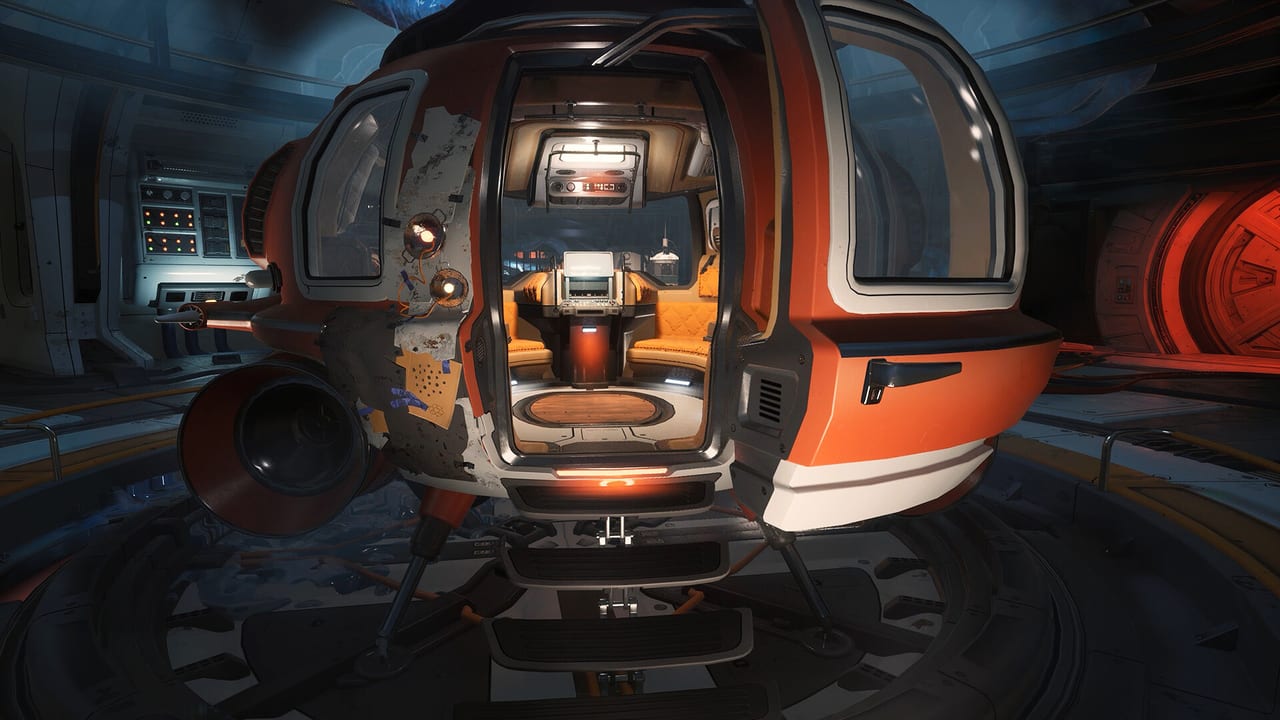
The Encyclopedia is Breathedge 2’s in-game reference system. It catalogs every item, object, and wreck the Man encounters, providing context that goes beyond simple names. The first game used a similar system, and the sequel expands it significantly. Understanding how the Encyclopedia works — and when to read it instead of the wiki — is a survival skill.
If you want collectible hunting strategies, see collectibles. If you want the spacesuit equipment page, see spacesuit.
What the Encyclopedia does
The Encyclopedia fires a popup when the Man encounters something new. This popup may appear when you pick up an item, open a container, read a manual, or inspect something unusual. The popup provides a name, a description, and a rating that tells you whether the item is useful or decorative.
The key insight many players miss: the Encyclopedia is often faster than the wiki when you are already suited up and mid-game. If the wiki has a loading problem or you are on a time-sensitive EVA, the Encyclopedia is the answer.
Understanding item ratings
The Encyclopedia uses a rating system that tells you the functional class of equipment:
Seal rating (tanks and armor). If the Encyclopedia lists a seal rating, the item is functional equipment. A higher seal rating means better performance. For spacesuits, this translates directly to oxygen capacity, armor rating, or other survival stats.
No seal rating (hats and decor). If the Encyclopedia lists flavor text instead of a seal rating, the item is cosmetic. You can equip it for style, but it will not help you survive.
This distinction matters. In the first game, players wasted inventory space carrying decorative items they thought were functional. The Encyclopedia makes the distinction clear — if it has a seal rating, it is a tank. If it only has flavor text, it is a hat.
When to read the Encyclopedia instead of the wiki
The wiki has more detail, more context, and more strategic advice. The Encyclopedia has one advantage: it is always available in-game, even when you are floating in the middle of an EVA with no internet connection.
Use the Encyclopedia for:
- Quick equipment checks when you do not have time to open the wiki
- Identifying whether an item is functional or cosmetic
- Understanding what a specific component does in context
- Learning item names and locations in the current save file
Use the wiki for:
- Strategic advice and optimal build recommendations
- Multi-page guides and walkthroughs
- Cross-referencing information across multiple systems
- Checking details that require more than a single screen
Common Encyclopedia flags
The Encyclopedia tracks several categories of information:
Item discoveries. Picking up a new item for the first time flags it in the Encyclopedia. This creates a record of what you have found and what you have not.
Manual reading. Reading in-game manuals and documents flags the Encyclopedia. Some collectible runs are about reading, not hoarding.
Wreck inspection. Inspecting a named wreck or landmark can flag the Encyclopedia. This is why the demo included named wrecks like Chuck’s Taxi — they serve as waypoints and collection points.
Corpse inspection. Searching bodies can flag the Encyclopedia even if you do not take the items. Some trophies require reading rather than looting.
Encyclopedia and collectible hunting
The Encyclopedia is central to trophy hunting. Steam achievements and the Encyclopedia tracking are separate systems, but they overlap significantly. The official short titled “Collect all achievements!” is both a joke and a warning — the list is long and some items are easy to miss.
Practical Encyclopedia-based collectible hunting:
- Open the Encyclopedia when a popup fires during exploration
- Screenshot the Encyclopedia overlay as a checklist of discovered items
- Check items you have not yet found against the walkthrough
- Return to wrecks you have already cleared for missed discoveries
- Read manuals and inspect corpses for flags that do not require looting
What the Encyclopedia does not cover
The Encyclopedia does not provide:
- Crafting recipes or resource costs
- Optimal build recommendations
- Cross-system strategic advice
- Walkthrough guidance for quest markers
- Enemy patterns or combat tactics
For those topics, the wiki remains the better resource. The Encyclopedia is a reference tool, not a strategy guide.
The Encyclopedia and the first game comparison
The original Breathedge had a simpler catalog system. The sequel expands the Encyclopedia significantly, with more item categories, more detailed descriptions, and more integration with the collectible tracking system.
The increased depth makes the Encyclopedia more useful for mid-game reference, but it also means more items to track. Players who screenshot the overlay regularly will have an easier time with completionist goals.
Tips for using the Encyclopedia
Read every popup. When the Encyclopedia fires, take three seconds to read it. The information is always relevant and sometimes critical.
Check seal ratings first. If you are deciding whether to keep an item, the seal rating tells you immediately whether it is worth inventory space.
Screenshot regularly. The Encyclopedia overlay is your checklist. Screenshot the item list at key progression points.
Use it mid-EVA. The Encyclopedia works anywhere in the game. If you find something unusual during an EVA, check it before you run out of oxygen.
Cross-reference with the wiki. The Encyclopedia tells you what something is. The wiki tells you whether to care about it.
The Chicken is not in the Encyclopedia. You are on your own.
For more on survival systems, see survival. For trophy hunting, see collectibles.
Frequently Asked Questions
Quick answers to the most common questions.
What is the Encyclopedia in Breathedge 2?
The Encyclopedia is the in-game reference system that catalogs items, objects, and wrecks. It provides descriptions, ratings, and context for everything the Man encounters.
How do I know if equipment is functional or cosmetic?
Check the Encyclopedia. If it lists a seal rating, the item is functional (a tank or armor). If it only has flavor text, the item is cosmetic (a hat).
When should I use the Encyclopedia instead of the wiki?
Use the Encyclopedia for quick in-game reference, especially during EVAs or when you do not have internet access. Use the wiki for strategic advice and detailed guides.
Does the Encyclopedia track collectibles?
Yes. The Encyclopedia flags items when you first encounter them, providing a discovery record separate from Steam achievements.
What is the difference between the Encyclopedia and the wiki?
The Encyclopedia tells you what something is and whether it is functional. The wiki tells you how to use it strategically, where to find it, and whether it matters for your build.