
Breathedge 2 Tools Hub
Requirements, Deck notes, and settings that stop a 12 FPS duct-tape disaster.
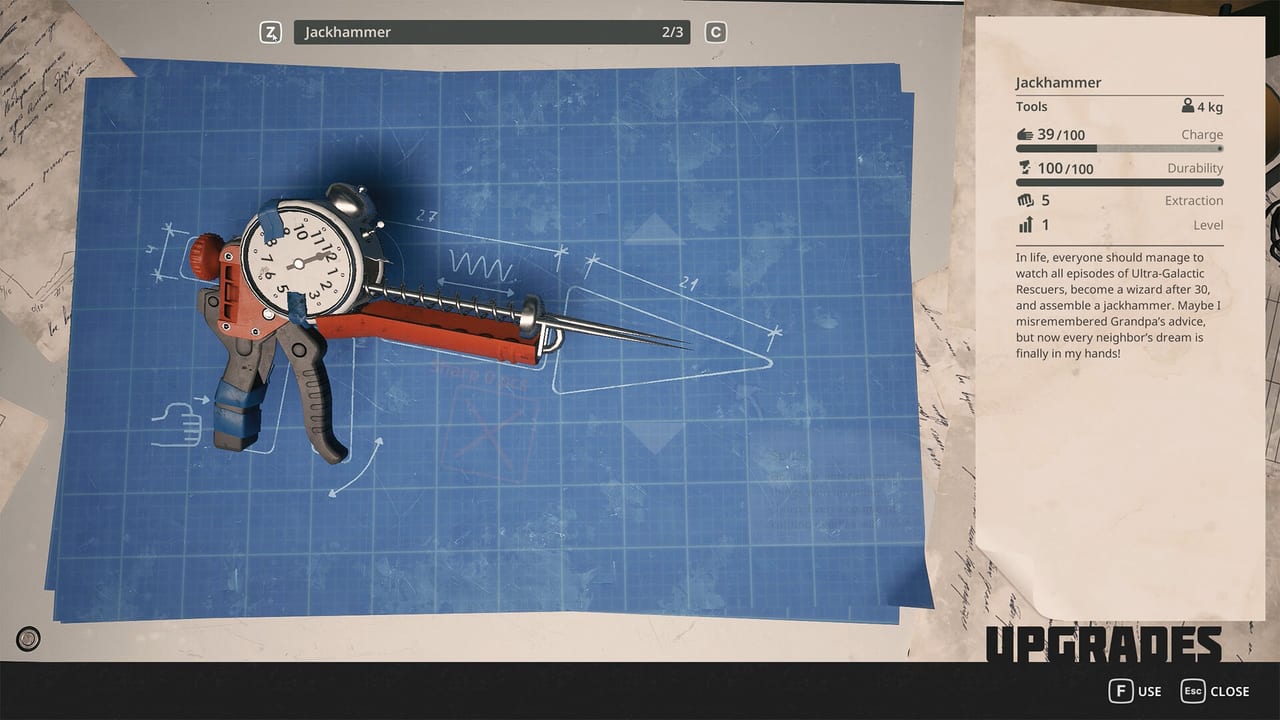
This hub is the out-of-game toolkit: can your PC run Breathedge 2, and how do you stop Unreal Engine 5 from turning a comedy into a slideshow. It is not the in-world items/tools catalog. If you wanted crowbars and Spraytrons, that is the items tree. If you wanted GPU floors and FOV, stay here.
Open system requirements before you install. Open settings after the first stutter. On a handheld, read Steam Deck before you import a random layout. Pair all three with getting started and controls.
What we know, dated August 2026
Steam’s own table:
- OS: 64-bit Windows 10/11 minimum, Windows 11 recommended.
- CPU min: Core i5-8400 / Ryzen 5 2600.
- CPU rec: Core i7-13700 / Ryzen 7 7700X.
- RAM: 12 GB min, 16 GB rec.
- GPU min: GTX 1660 6 GB / RX 5500 XT 6 GB.
- GPU rec: RTX 3070 8 GB / RX 6700 XT 8 GB.
- DirectX 11, 15 GB storage.
- Steam Deck: Verified.
- Controller: full support, DualShock, DualSense.
- Cloud and achievements: yes.
The developers’ running joke is that they guarantee 12 FPS on their own machines. That is a joke. The 1660 floor is not. UE5 wrecks with translucency (the blue gel in the hero shot) and large debris fields are exactly the scenes that melt a minimum GPU if you max shadows.
How to use this hub
- Check the requirements against dxdiag, not against a cousin’s laptop.
- Install on an SSD if you have one. 15 GB is the listing; patches will grow.
- Launch into settings before the first EVA. Cap FPS, drop foliage-adjacent junk, keep resolution native.
- On Deck, start at default Verified profile, cap 40 if the fan becomes a character, and pin interact plus extra hand. Details live on Steam Deck.
- If the game is ugly and fast, you succeeded. If it is pretty and 28 FPS in a wreck, you failed the oxygen check in real life.
What this hub will not do
No cracked configs. No “secret FPS pack.” No invented DLSS toggles the store page has not listed. If a patch adds frame generation, it will go on updates. Until then, the tools are requirements, settings, and the honesty that a GTX 1660 is a floor, not a comfort spec.
When the PC is sorted, go play. Survival is waiting, and it does not care about your ray tracing.
Frequently Asked Questions
Quick answers to the most common questions.
Is this the page for crowbars and jackhammers?
No. In-world gadgets are on tools and equipment. This hub is PC requirements and settings.
Can I play on Steam Deck?
Steam lists the game as Deck Verified. Start with the default profile, then use settings if thermals spike.
Does it run on Mac or Linux?
The Steam listing is Windows only. No Mac or Linux requirements are published.