
Breathedge 2 Controls
Bind interact, inventory, and the extra hand before you drift into a turbine.
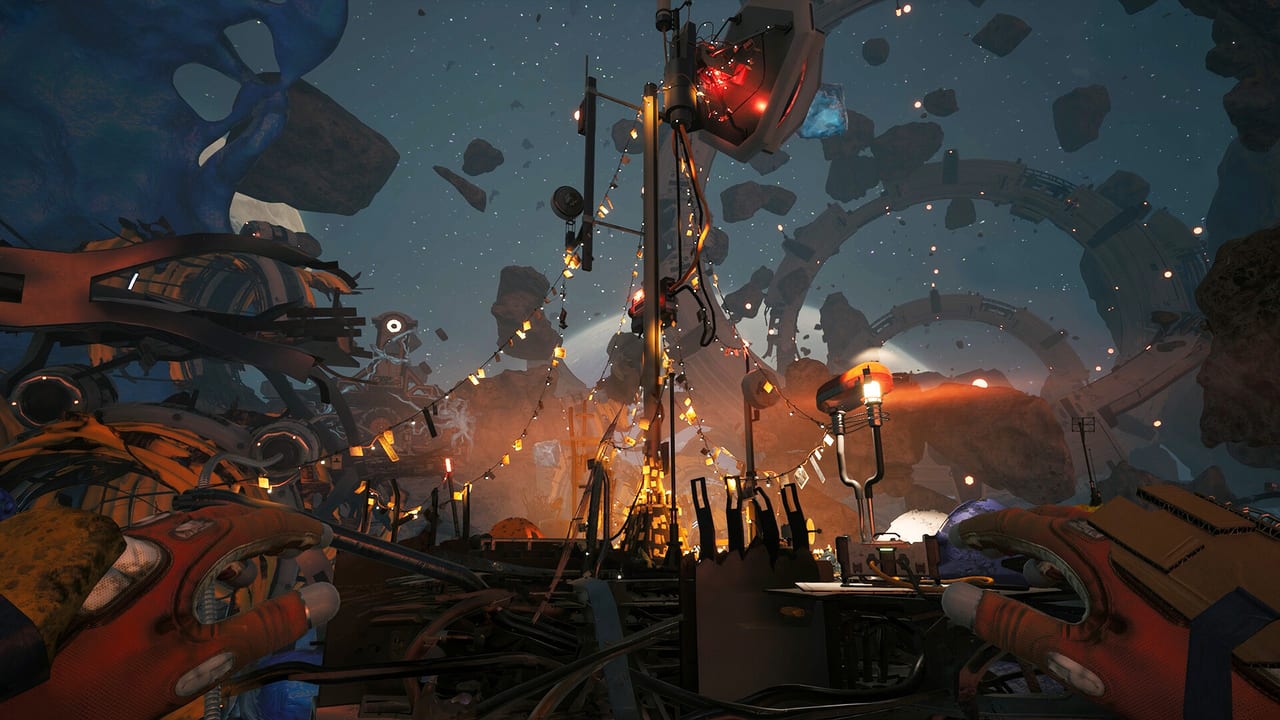
Breathedge 2 is a first-person game with full controller support, DualShock and DualSense support, and a keyboard-and-mouse layout that will feel familiar if you have played any modern FPS survival title. This page does not invent a complete key table. RedRuins has not published a locked default map for Early Access, and the 2025 demo already let you rebind. Treat the in-game settings screen as the source of truth, then use this page for the habits that actually keep you alive.
If you have not launched yet, pair this with getting started and settings. If you are already in a wreck and fighting the camera, skip to the EVA section.
Input devices that work
Steam lists full controller support. That is stronger than “partial.” You can play the entire loop on a pad: look, move, interact, inventory, crafting, and vehicles when they appear. Steam Deck Verified means the default layout is expected to be usable on the Deck’s trackpads and back buttons, but you should still pin interact and the extra-hand control to a back button if you EVA a lot.
Keyboard and mouse remains the precise option for looting tiny objects and lining up a jackhammer. A lot of Breathedge comedy is object interaction: yanking, tearing, dragging, stuffing gum in a leak. Those verbs need a reliable interact key and a reliable “drop / throw” key. Put them where your thumb already lives.
The binds that matter on day one
Open Settings as soon as the main menu loads and confirm these actions exist and are comfortable:
- Move / look — default WASD plus mouse, or left stick plus right stick.
- Jump / boost / EVA thrust — spaceflight in this series is not a walk cycle. You need a thrust you can feather, not a panic tap.
- Interact / use — doors, encyclopedia objects, recharge stations, corpses you should not ignore.
- Inventory / suit UI — the 2025 demo already had more tabs than the first game: crafting map, encyclopedia, achievements, plus 3D character instead of a paper doll. You will open this constantly.
- Primary tool / fire — crowbar, Spraytron, jackhammer, whatever is in the hand. Charge and durability live on the tool card; see tools.
- Extra hand / off-hand — developer footage literally titled “Extra hand included.” Bind it. The joke is also a mechanic.
- Drop / throw / grab — dragging wreckage is half the traversal puzzle.
- Flashlight / helmet light — dark modules are not optional flavor.
Do not leave toggle vs hold on sprint or crouch until you have tried both in a quiet corridor. EVA plus a hold-to-crouch bind is how people clip into geometry and then alt-tab to this wiki.
EVA movement, the thing that kills new players
Open space in Breathedge 2 is a 3D swim with inertia. The survival meters (oxygen, temperature, satiety) tick while you admire the view. Practice in the first safe volume:
- Strafe around a large object, then stop without overshooting.
- Pitch 180 degrees and find the same airlock without the objective marker.
- Carry a crate for twenty seconds and notice how carry weight changes your boost.
- Re-approach a recharge post from a bad angle so you learn the interact cone.
If the camera or field of view makes you sick, drop FOV slightly and add motion blur off in settings. The original game had a habit of hard-cutting music in menus; if that still jars you, it is a known series quirk, not your headset.
Controller tips
Use a layout that keeps interact on a face button and inventory on a bumper or pad click. You will loot with the camera moving. Gyro on Steam Deck is excellent for lining up a jackhammer bit on a panel. Trigger stops help if your Spraytron has a charge meter you keep dumping by accident.
Accessibility: full controller support usually means you can remap through Steam Input even if a specific action is missing from the in-game list. Do that before a story sequence, not during.
Interface habits, not just keys
The upgrade screen for tools (charge, durability, extraction, level) is a card, not a hotbar toy. Screenshot on the wiki’s crafting page shows a jackhammer with 39/100 charge sitting on a blueprint. That is the UI telling you the tool is already tired. Bind a “inspect tool” or get comfortable opening the card after every fight.
Encyclopedia search is faster than scrolling. When a quest says “find plastic,” search the Encyclopedia, then loot pipes and suitcases. When it says “titanium,” do not empty the map; the demo answer was a specific landmark behind Chuck’s Taxi, and Early Access will keep using landmark answers like that.
Once binds feel invisible, go back to getting started for the first-hour checklist, or to the walkthrough if a door still will not open. Controls are solved when you stop thinking about them. Until then, this page is the pre-flight card taped to the monitor.
Frequently Asked Questions
Quick answers to the most common questions.
Does Breathedge 2 support controllers?
Yes. Steam lists full controller support, DualShock, DualSense, and Steam Deck Verified. Remap in-game and through Steam Input if needed.
Where is the official keybind list?
In the game's Settings menu after launch. This wiki does not invent a table the developers have not locked. Confirm binds there, then use this page for EVA habits.
What should I bind first?
Interact, inventory, thrust, and the extra-hand action. Then a drop/throw bind for dragging wreckage. See tools for why the off-hand matters.
Is there gyro or Steam Deck layout support?
The game is Steam Deck Verified. Use Steam Input gyro for fine aiming on tools. Pin interact to a back button if you EVA a lot.